
Your favorite track.
Your own light show.
Shaka Lights choreographs every light to the music. Preview it here, make it your own, and take it to your Tesla on a USB drive.
- No editing required
- Fully editable if you want
- Checked before download
From first beat to final show
Make it yours in three steps.
- 01
Bring the music
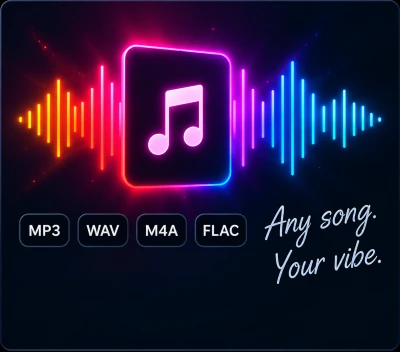
Choose a track you own or have permission to use. Or start with a demo and get a feel for the lights.
- 02
We create the show
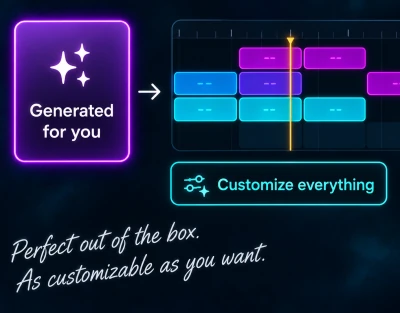
Shaka Lights automatically builds a polished, music-synced light show for you — no editing required. Want more control? Open the editor and customize timing, intensity, effects, and every cue.
- 03
Take it to the car
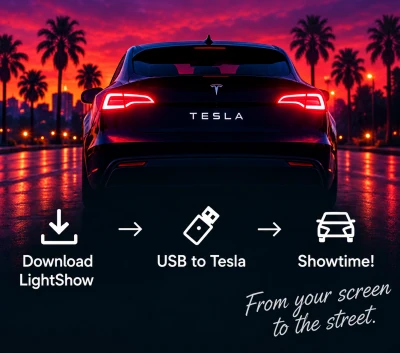
Preview your finished show, download the checked LightShow package, and follow the USB setup instructions to bring it to your Tesla.
Studio examples
Open a real show and look inside.
Tesla’s own demo shows load straight into the Studio. Scrub the timeline, switch cameras, and see how each cue lands on the music.
- Auld Lang SyneA bright holiday arrangement with sweeping headlights and a big finish. A great first show to explore.Open in Studio →
- Elevator MusicA short, playful sequence. See how a few well-timed lights can carry the music.
- Ready for AssaultFast electronic energy, sharp accents, and dramatic changes of pace.
- Cyber SymphonyExplore the choreography of Tesla’s Cybertruck-era demonstration.
- The ArrivalA multi-vehicle composition, shown here through one vehicle’s supported lights.
Example shows come from Tesla’s public light-show repository and open in the Studio for viewing.
USB drive
└─ LightShow/
   ├─ lightshow.fseq
   └─ lightshow.mp3
How do I play the show in my Tesla?
Copy the downloaded LightShow folder to the root of an exFAT or FAT32 USB drive and plug it into a data-capable port. In Toybox, open Light Show, select Schedule Show, and choose your show.
Which songs can I use?
Any track you own or have permission to use. You can also start from a demo track to get a feel for the lights before uploading your own.
Do I have to edit anything?
No. Every show is generated complete. The editor is there if you want to change timing, intensity, or individual cues.
Will it work on my model?
Pick your vehicle when you create a show. The choreography and preview use only the lights that model has.
Good music looks better in motion.
Turn your drive into something unforgettable.